I’ve created a tool to help a friend in teaching digital security to people who aren’t that technically savvy.
The problem is simple: a lot of users get scared and hesitant the moment they’re asked to open a terminal window. That makes it hard to teach them about cryptographic hashes and how to verify downloads. At present he’s using an unmaintained crossplatform GUI to do it, Ted Smith’s QuickHash-GUI, but that application has its own problems — it’s just too complex for nontechnical users.
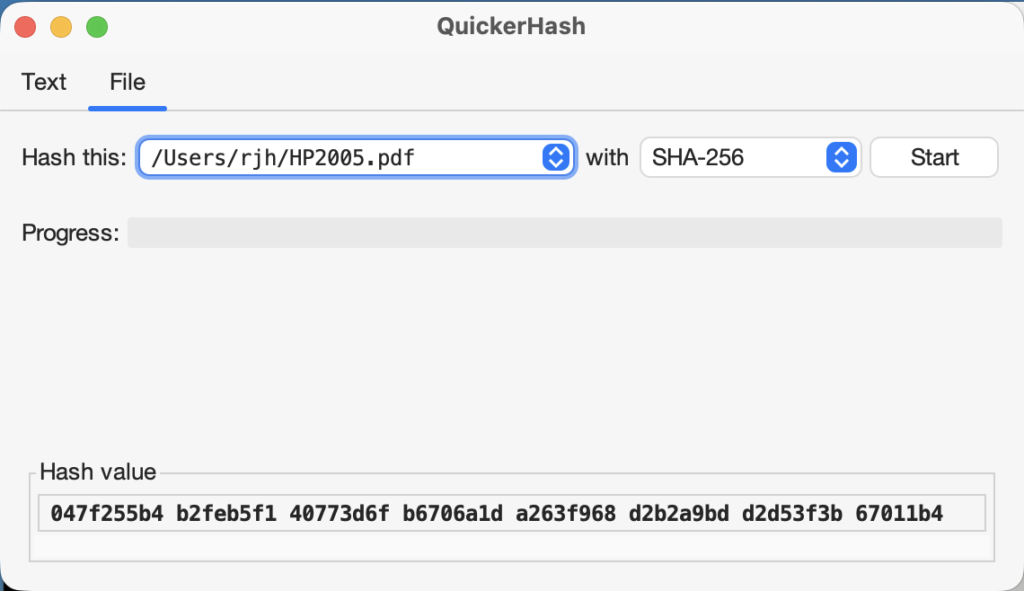
So I wrote my own replacement. Enter QuickerHash, which I’m trying to keep as dead simple as possible and as easy to use as possible. This means providing not just the code, but complete installer packages that are cryptographically signed so as to not cause security alerts. The user interface is dead simple, uses modern design, and requires little explanation.
Figure 1: The QuickerHash text tab
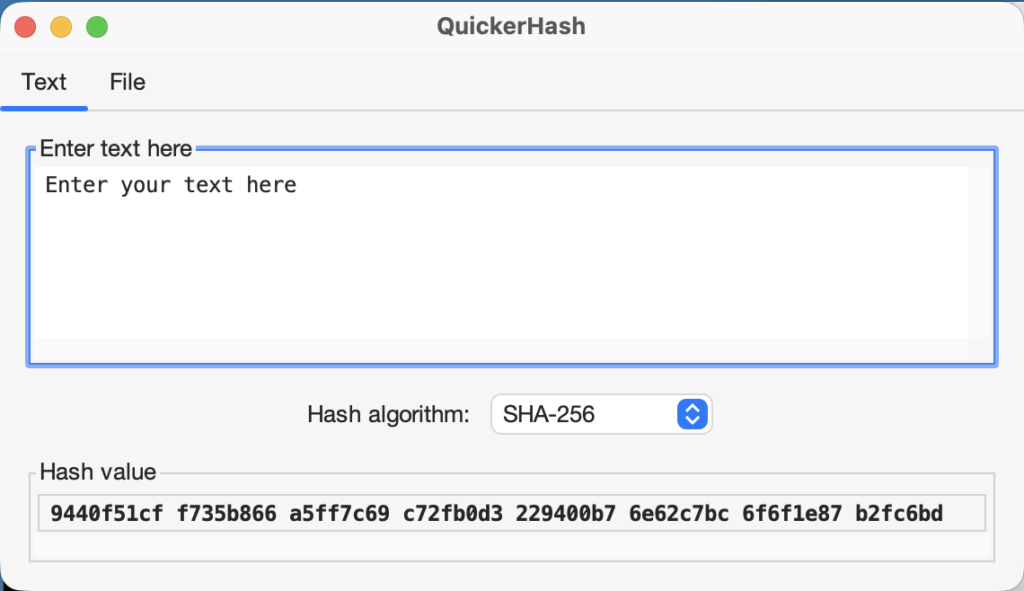
Figure 2: the QuickerHash file tab
I need testers. Grab a prebuilt binary for
and let me know what you think.
Email me (rjh@sixdemonbag.org) with any errors.
Leave a Reply